Get rid of show more right click
22.10.2026 by HenDaBen
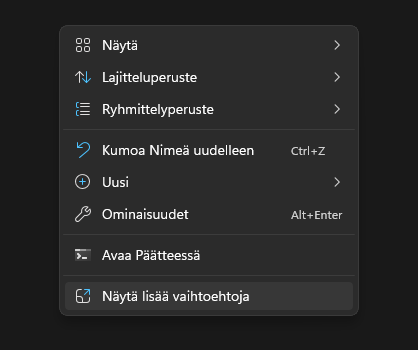
Windows has been filled with bloatware and unwanted features like AI-buttons inside notepad, logging into notepad, paint and so on. Even editing videos nowadays require user to log in and accept all kind of dodgy AI agreements. Have you seen LG's agreement pages? It's like three Lord of the Rings-books thick.
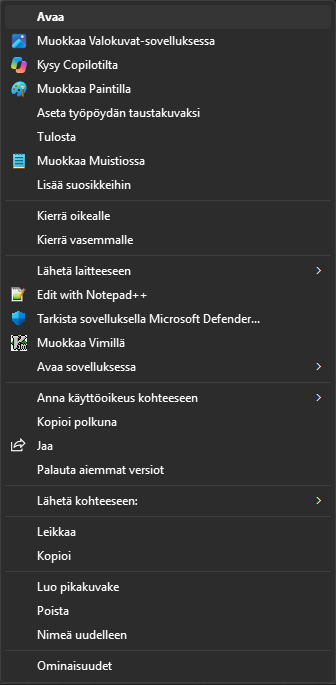
One of the worst updates was to reduce the size of right clicking - as most of users now have to perform two clicks to get things done. Lets say you need to edit just a small line of configuration file. This time you're not wimming it, someone never installed vim on this machine. Right click text file. What the F? There's no such option available as "edit file". Instead, you click SHOW MORE OPTIONS. Now you even got the "old windows" text column! LOL
So how do you get rid of this low quality "update"? Here's how:
Quick guide
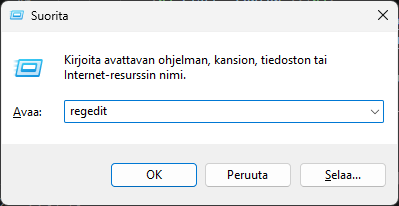
- Open regedit by pressing the Windows button + r
- In the text box write regedit
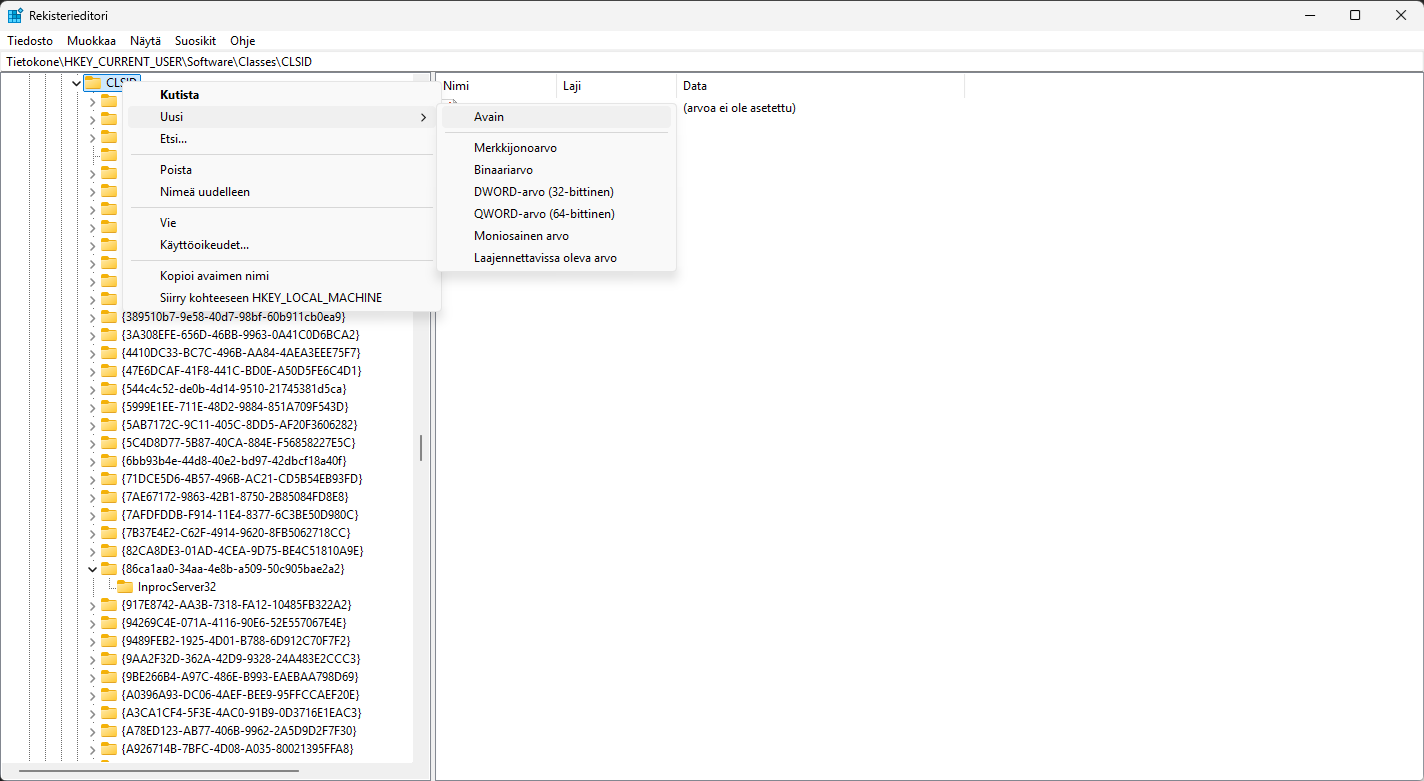
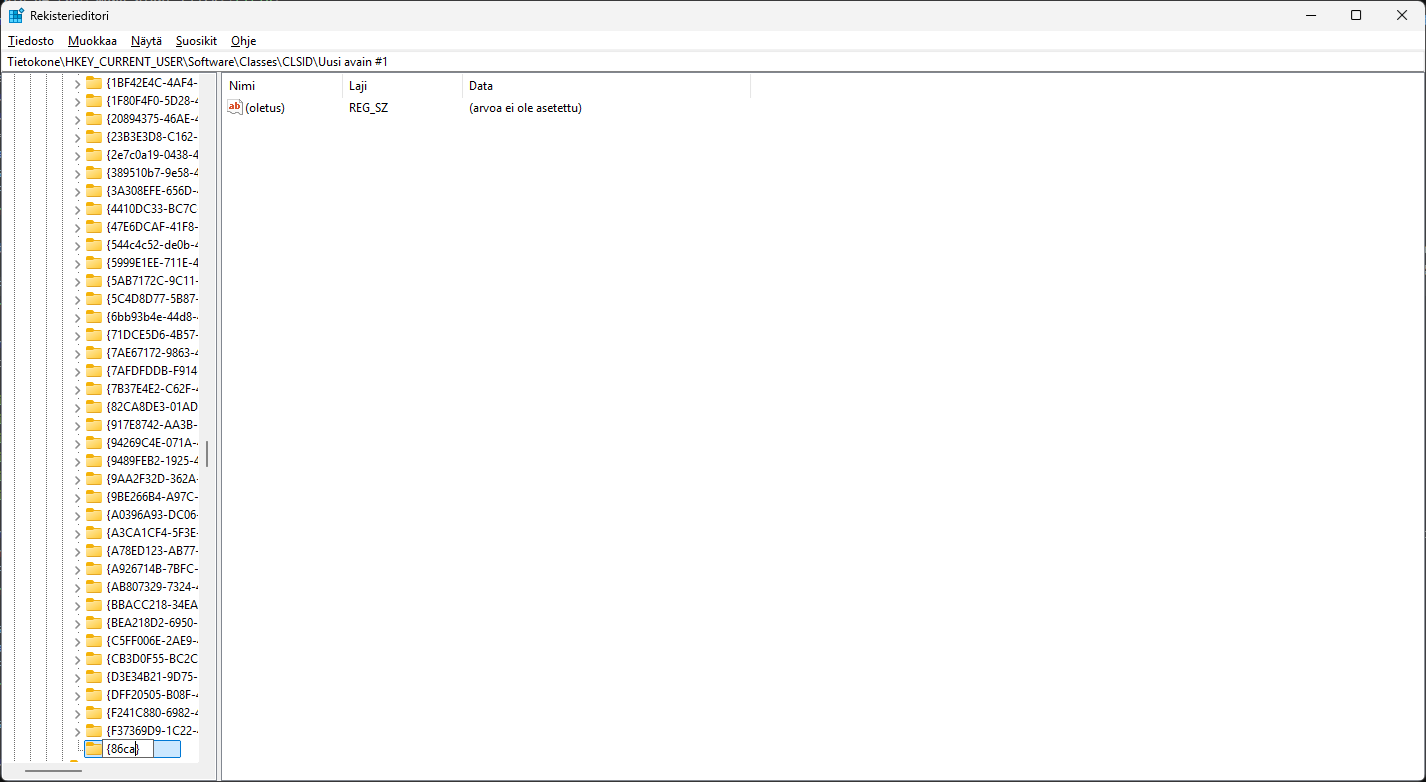
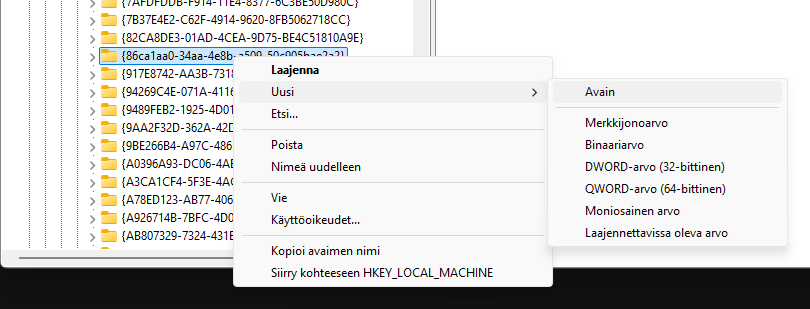
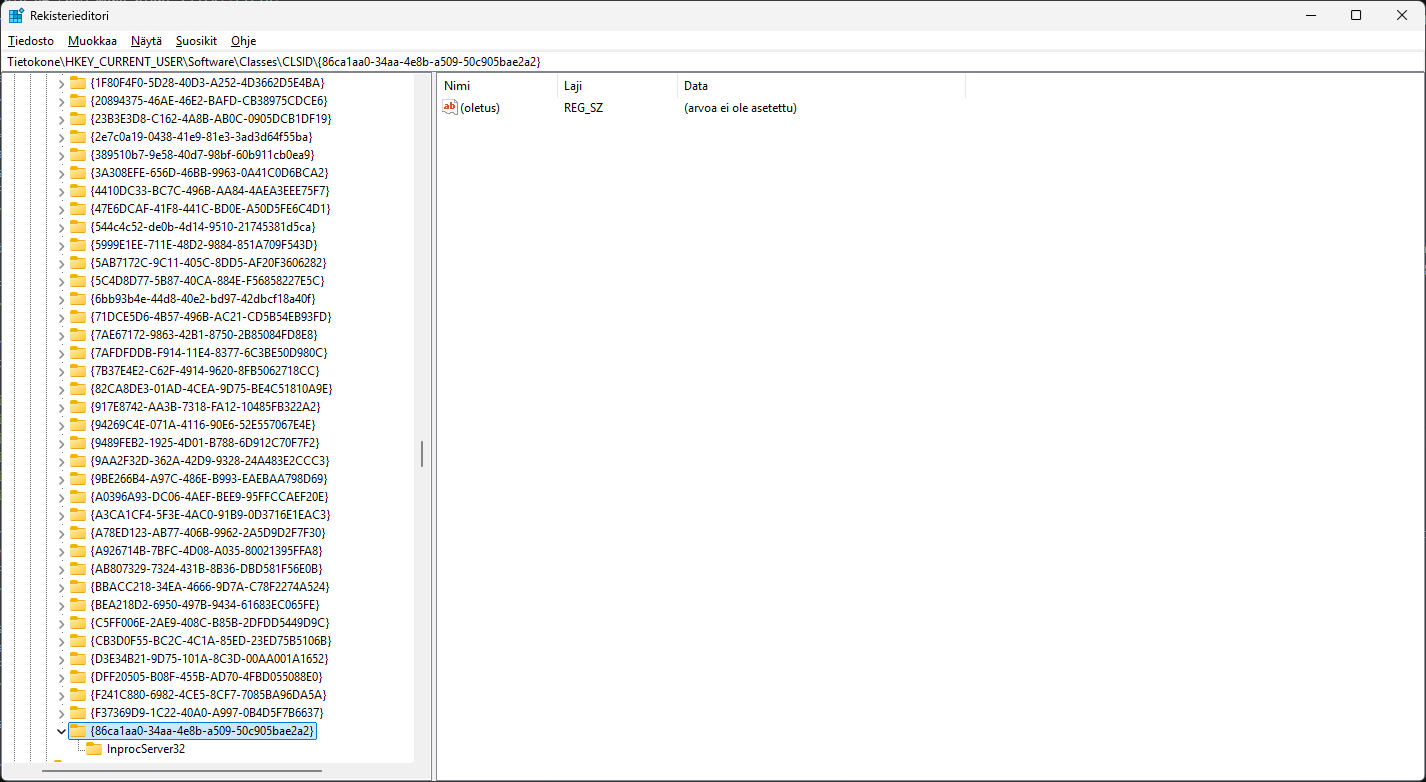
- Navigate to Tietokone\HKEY_CURRENT_USER\Software\Classes\CLSID\{86ca1aa0-34aa-4e8b-a509-50c905bae2a2}\InprocServer32
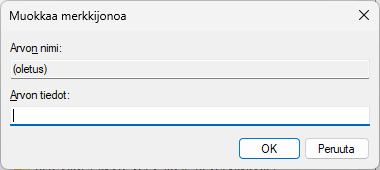
- Edit the string value, and make it empty
- Restart your computer
- Voila! Enjoy double-rightclick-free life!
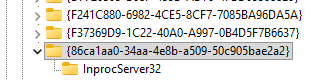
Some PC's have the key there already.