How to easily deploy files
31.3.2026 by HenDaBen
I came across a problem in SnowRunner (yes I finally got it after completing MudRunner and Spintires 100%) as every time I quit the game, all my precious settings would be erased. Like a wet rag to my face I was clueless what to do.
I found out that the same bug appeared like six years ago to someone, and SnowRunner devs told him to make a ticket to get it fixed. I guess it never got fixed as I'm here to experience this feature yet again.
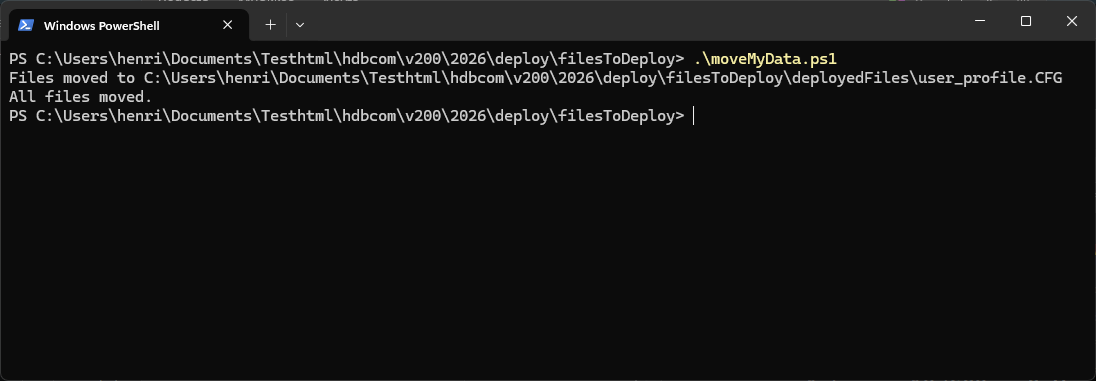
In the screenshot below you can see a script being executed. The script simply copies files from location a to b
Let's Powershell!
Powershell should be available on all Windows. No matter what your edition you're running. I used to do some PowerShell scripting some time ago and I had this one thing in my mind. What about a icon on your desktop - just doubleclick it and the settings are applied.
And that's what this blogpost is about!
First thing to do is get the file you need to deploy - in my case it is a config (config.CFG) file. Here's the actual script:
Now in this script you should replace the path on line 1 and 3. Also, the name of your file to which is copied on line 12 needs to be renamed.
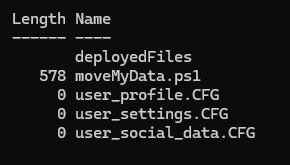
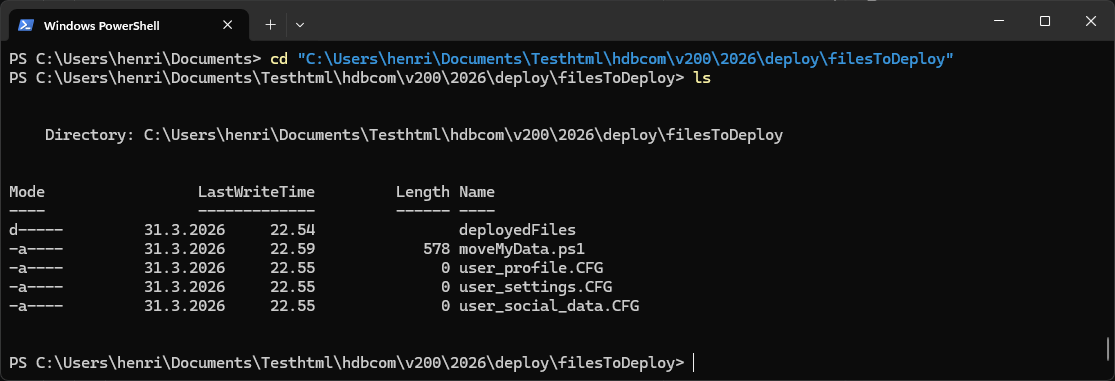
For newbies, below is a screenshot of File Explorer, what and where happens.
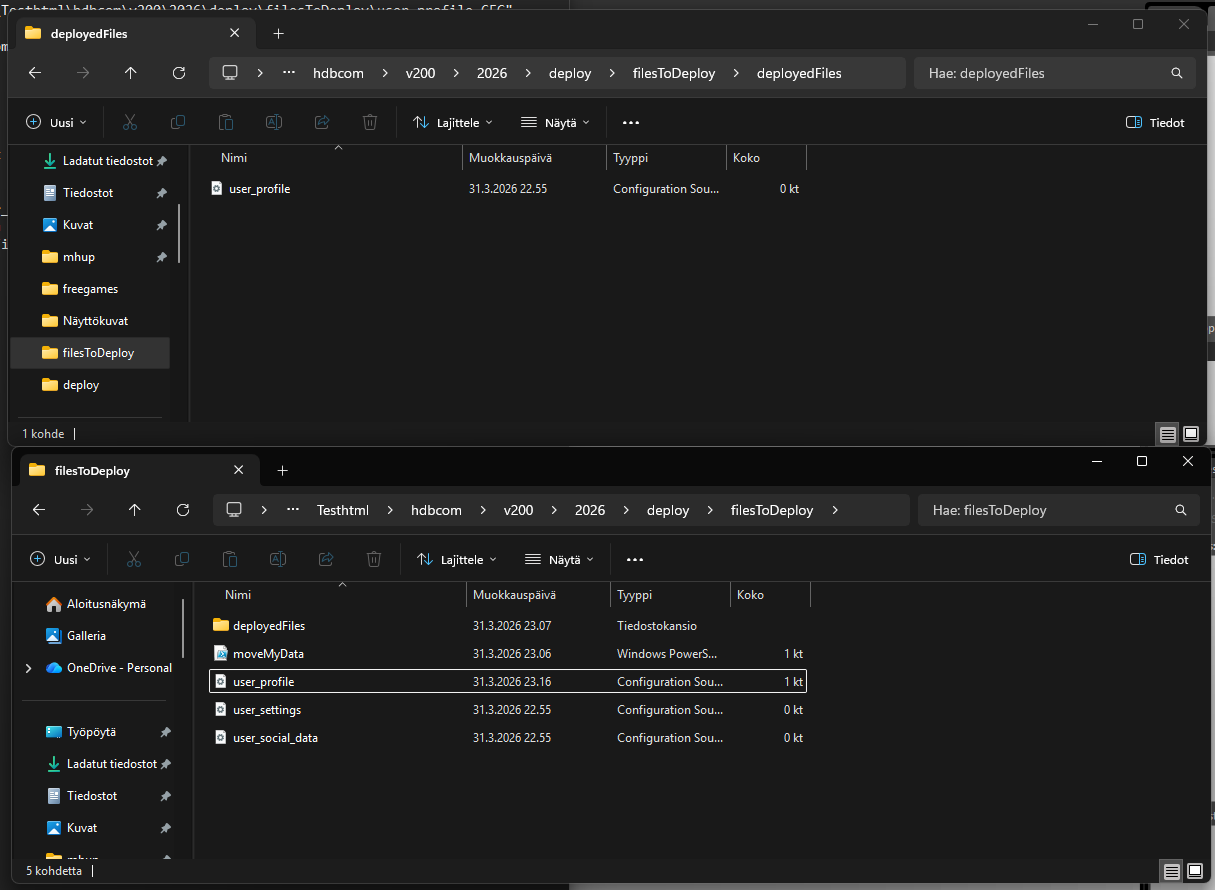
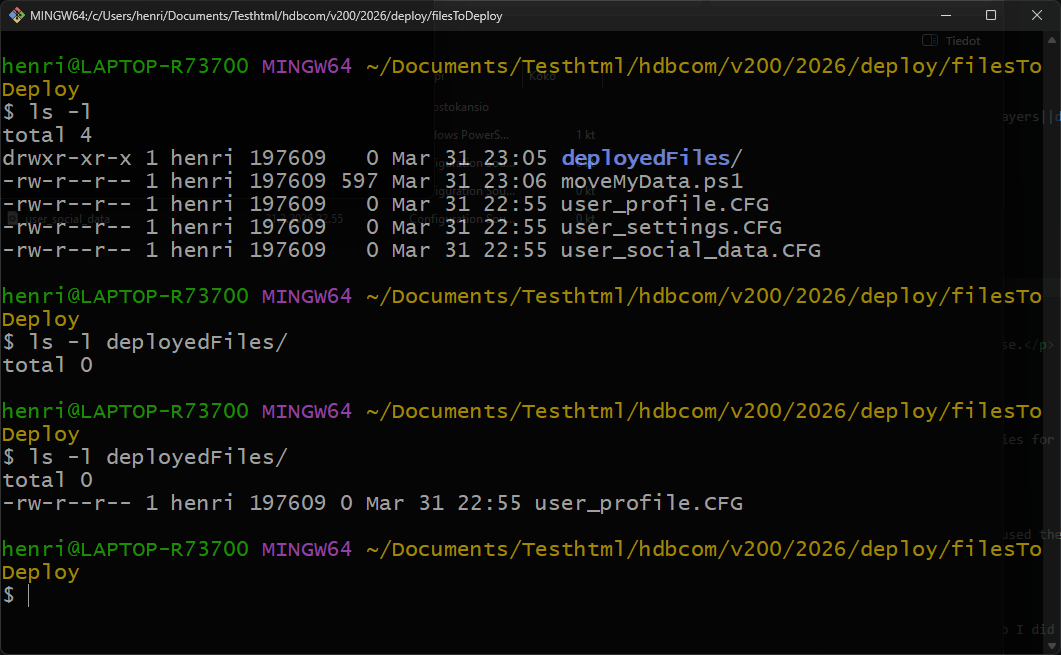
When the powershell script is executed, the file user profile gets deployed from folder filesToDeply to deployedFiles. Simple!
Remember - right click your script and send it to desktop. Then you can just run it easily from there until your bug is fixed.